
moonlight
One month. One screen.
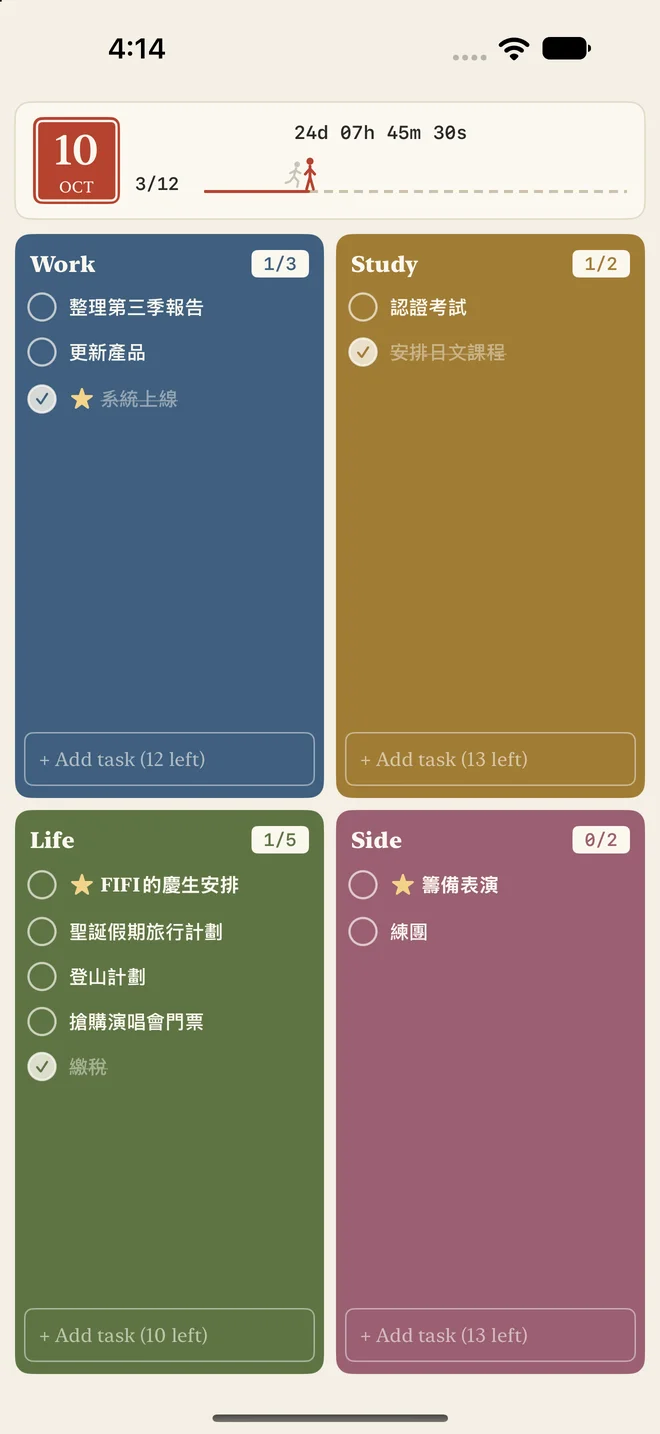
I often think too much and do too little. So I deliberately narrowed the freedom: four categories, a limited number of tasks, a fresh start every month.
A way to slowly find the rhythm of my days again.
Focus on now. Turn the page on the rest.
Month by month
Each month is archived automatically when it ends, and the next one starts blank. Unfinished tasks can come along if you choose.
Four squares
Four categories, named by you. Each has a task limit, and you'll get a nudge when you add too many.
Task details
Add notes, photos, or a voice recording to any task.
Your data stays yours
Data lives on your device. Sync across devices with your own Google Drive, or export it anytime.
Home Screen widgetiOS
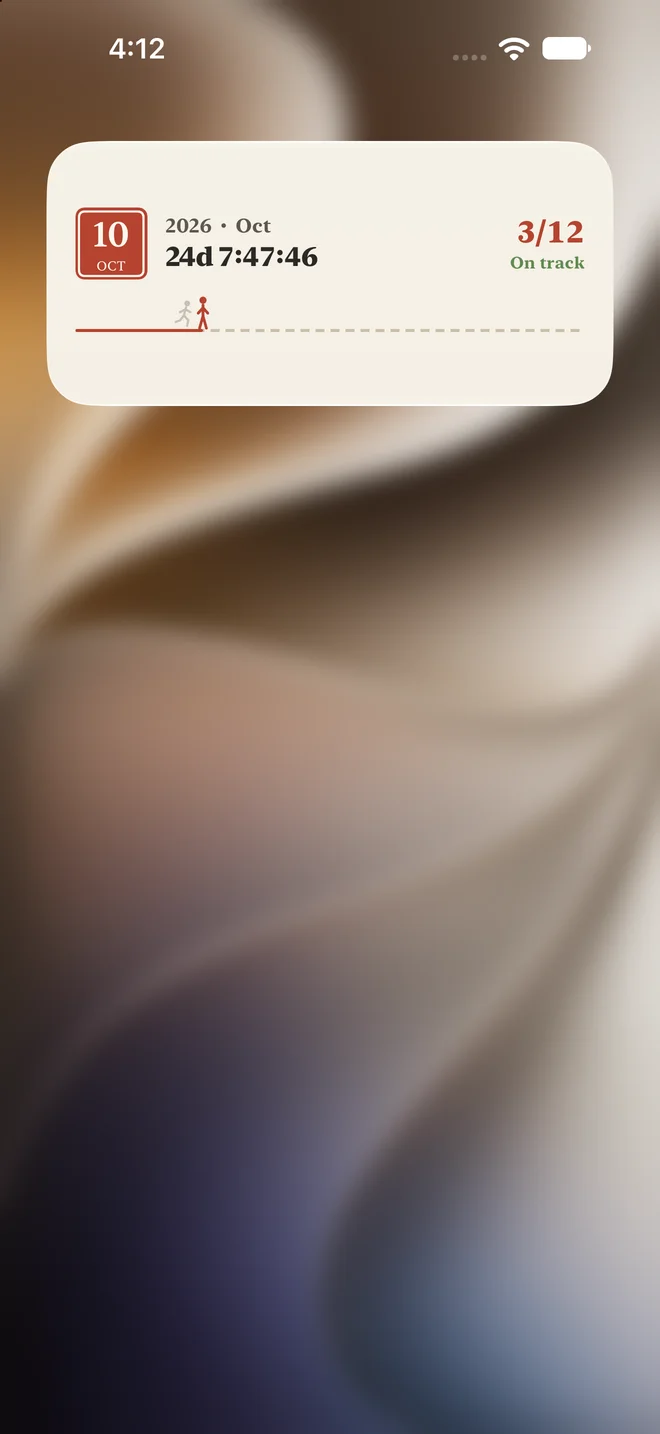
See this month's countdown, tasks done, and your race against time right on the Home Screen—no need to open the app.
No ads. Every feature, free.
Free to use, in English, 日本語, 繁體中文 and 简体中文.